Use k9s
k9s pronounced canines is a beautiful tool to administer you Kubernetes cluster.
It can be installed via Homebrew.
In conjuction with Docker for Desktop on macOS, upon invocation it would render something along the lines of:
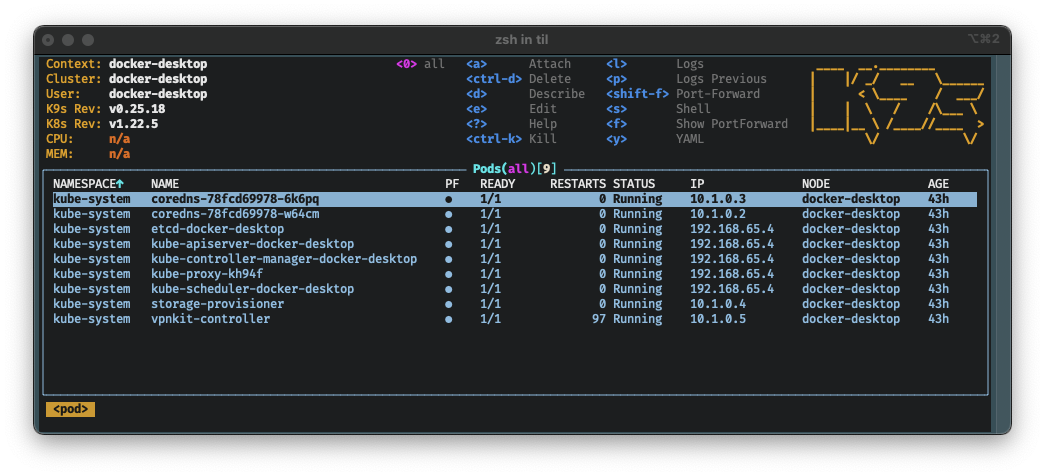
If you invoke k9s on your machine it will have the default look (skin).
Mine is changed to match my default terminal look of solarized dark.
To change the looks, you can create a file named: skin.yml and place it in $XDG_CONFIG_HOME/k9s/, you might need to define: $XDG_CONFIG_HOME.
You can specify a theme per context, so I have made defined: docker-desktop_skin.yml, not that I have any other contexts at this time, but in order just to try it out.
The contents of this skin files can be adjusted several examples for inspiration are available.
If you want to switch between skins and keep your skin repository up to date, I came up with the following recipe.
Jump to the configuration directory
cd $XDG_CONFIG_HOME
Create a directory for k9s
mkdir k9s
Jump to the configuration directory for k9s
cd k9s
Initialize the directory as a Git repository
git init
Add the k9s as a remote
git remote add -f origin https://github.com/derailed/k9s.git
Enable sparse checkout
git config core.sparseCheckout true
Configure sparse checkout to only be the directory with the skins (YAML files).
git sparse-checkout set 'skins/*.yml'
We inspect to se that we have set it correctly
git sparse-checkout list
Then we pull the repository
git pull origin master
And we retrieve the files
git checkout master
We copy the files up one level
cp skins/*.yml .
Using symbolic links, we can now switch between the themes, by having our context matching file be the symbolic link
ln -sf solarized_dark.yml docker-desktop_skin.yml
So this is my k9s look.
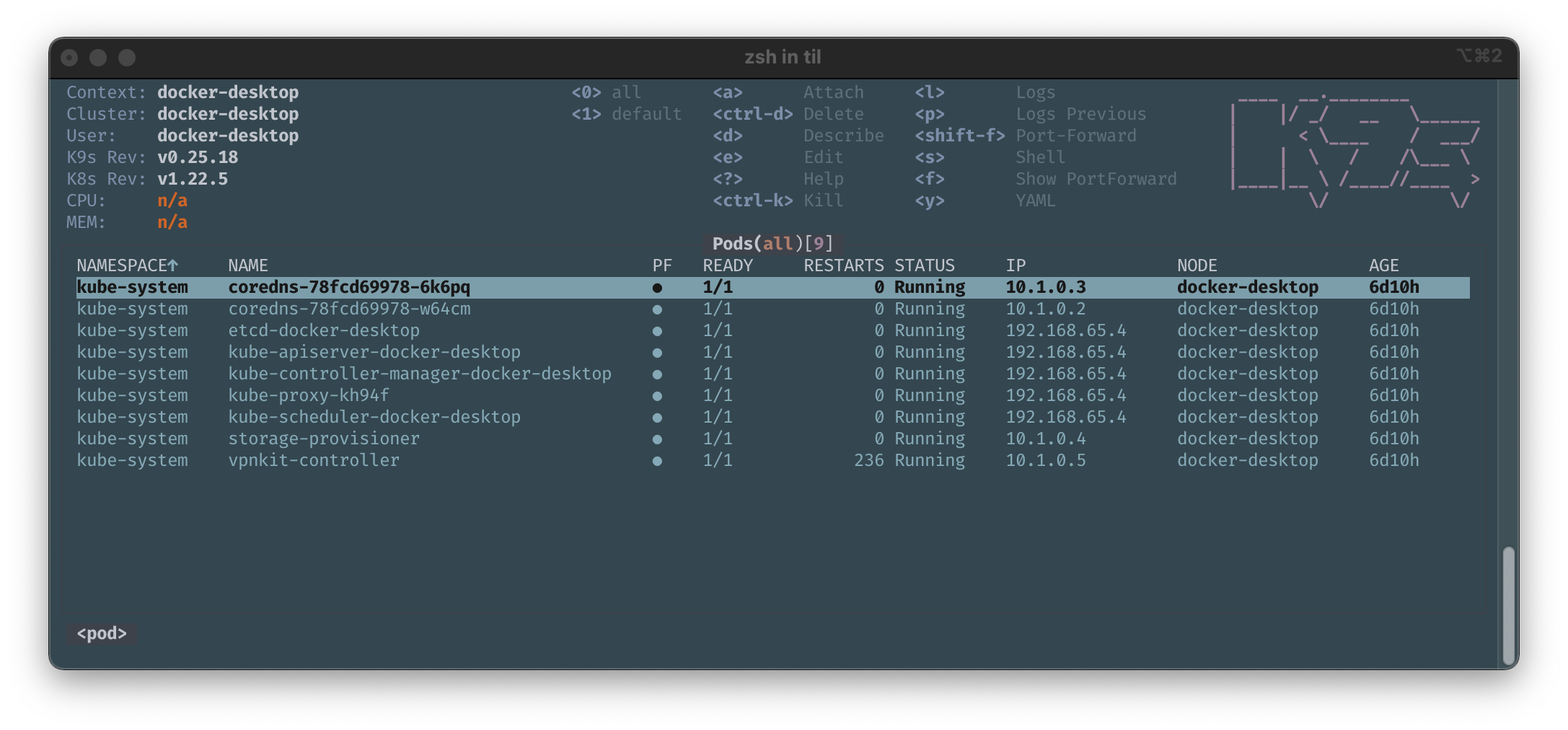
Suggestions to improvements to this most welcome.
Resources and References
https://linuxhint.com/what-is-git-sparse-checkout/